

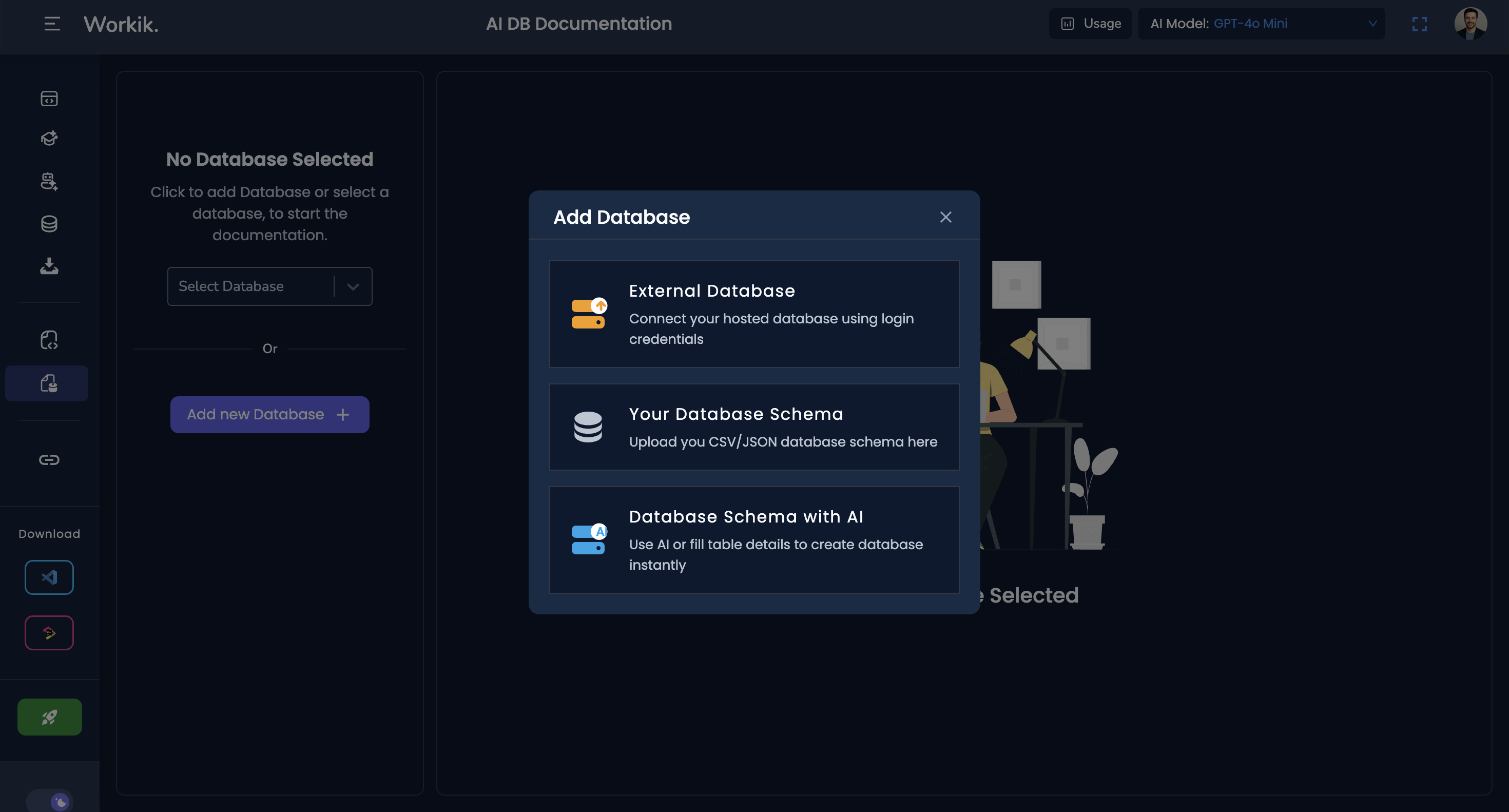
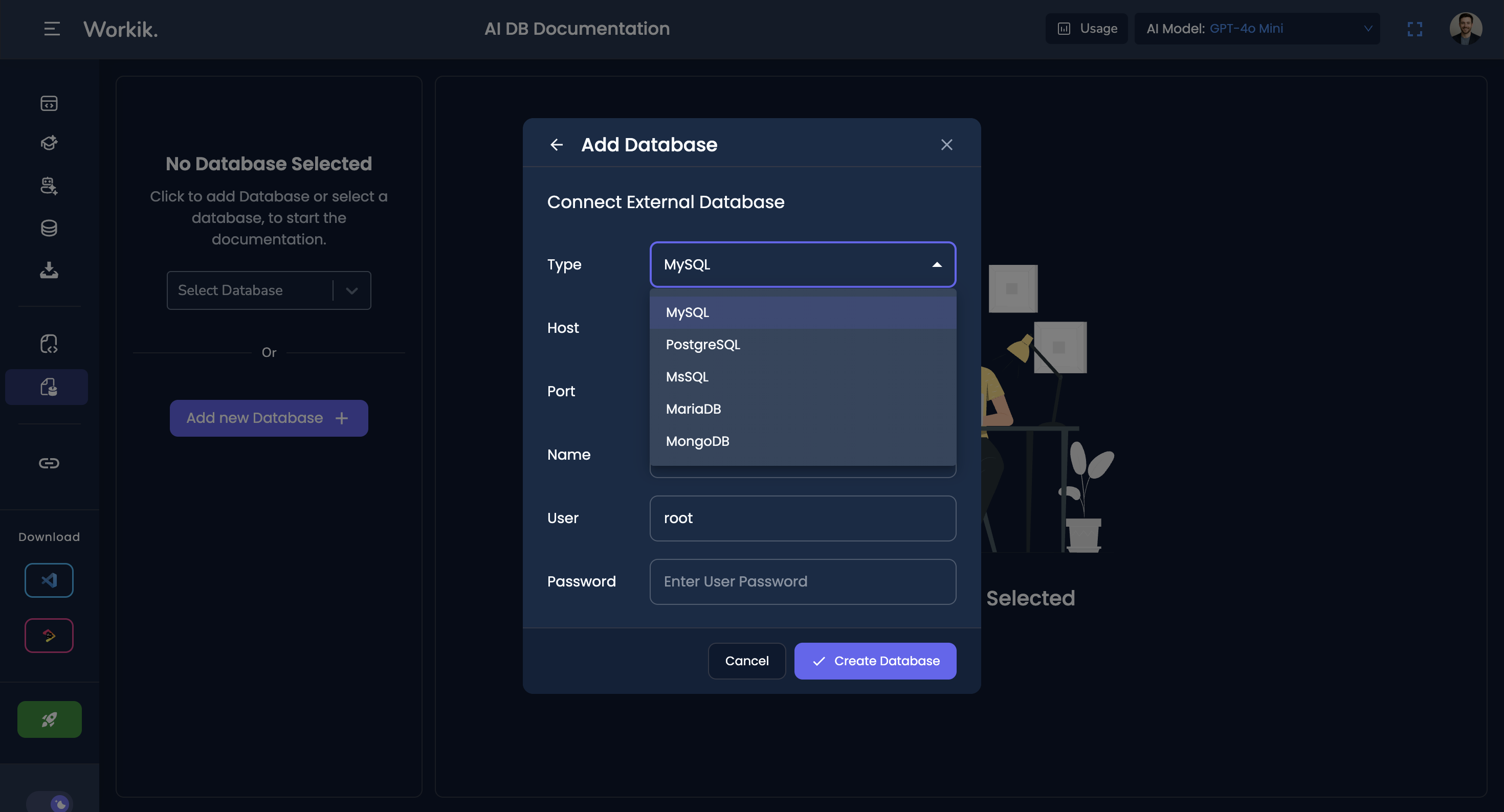
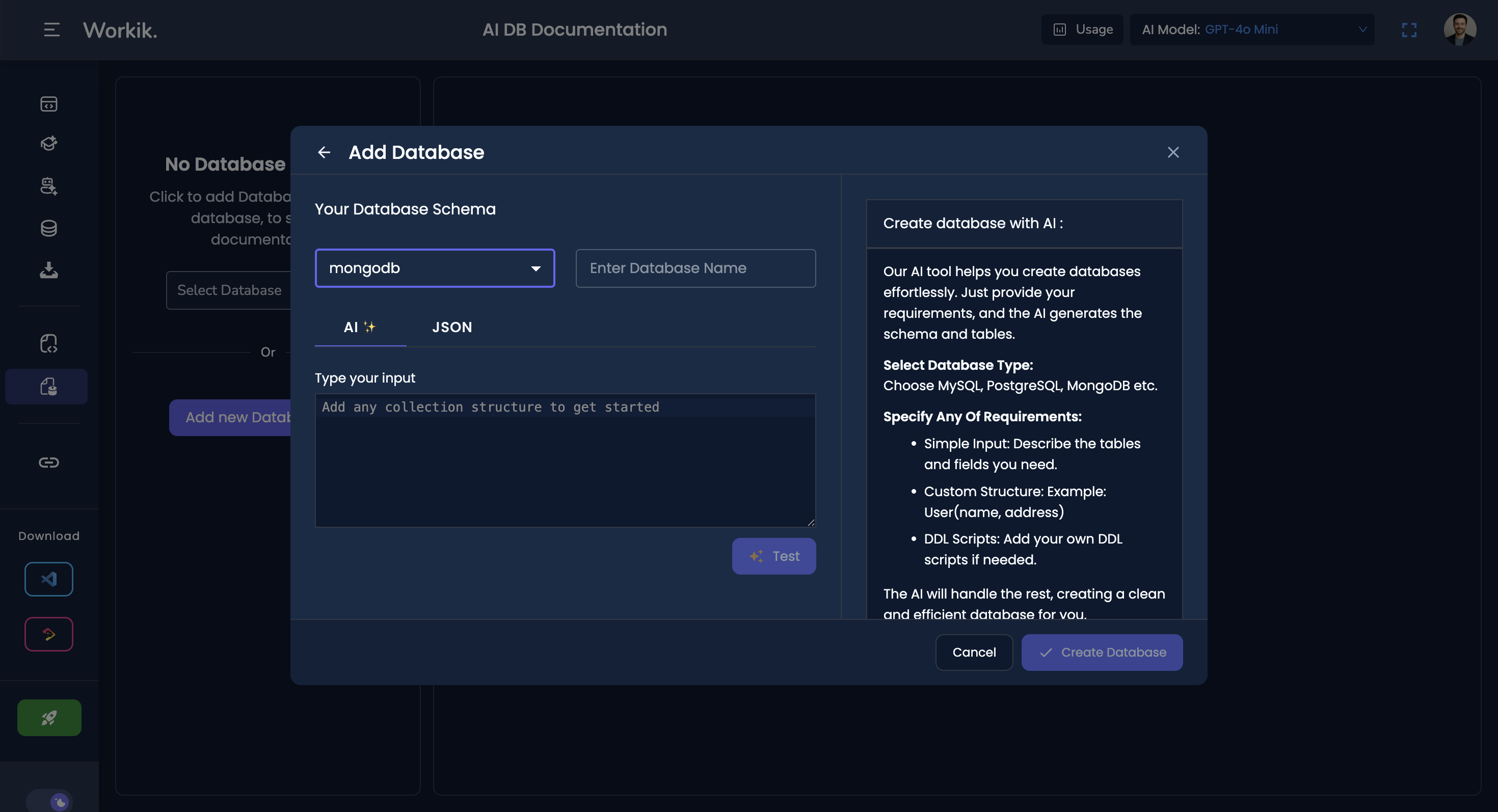
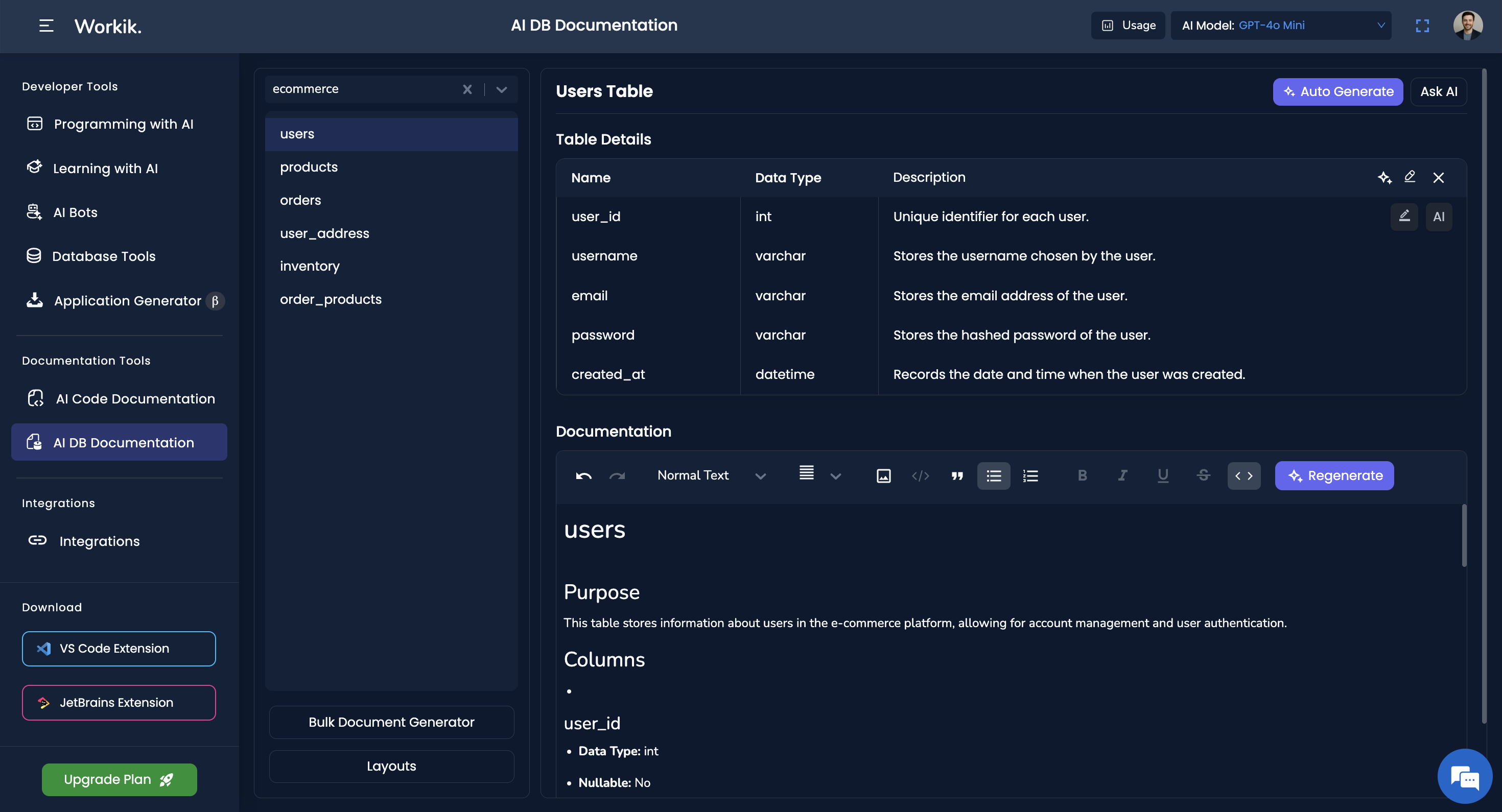
Connect your database or upload schema files in SQL, JSON, or CSV format
Supports MySQL, PostgreSQL, MongoDB, MSSQL, MariaDB, and more
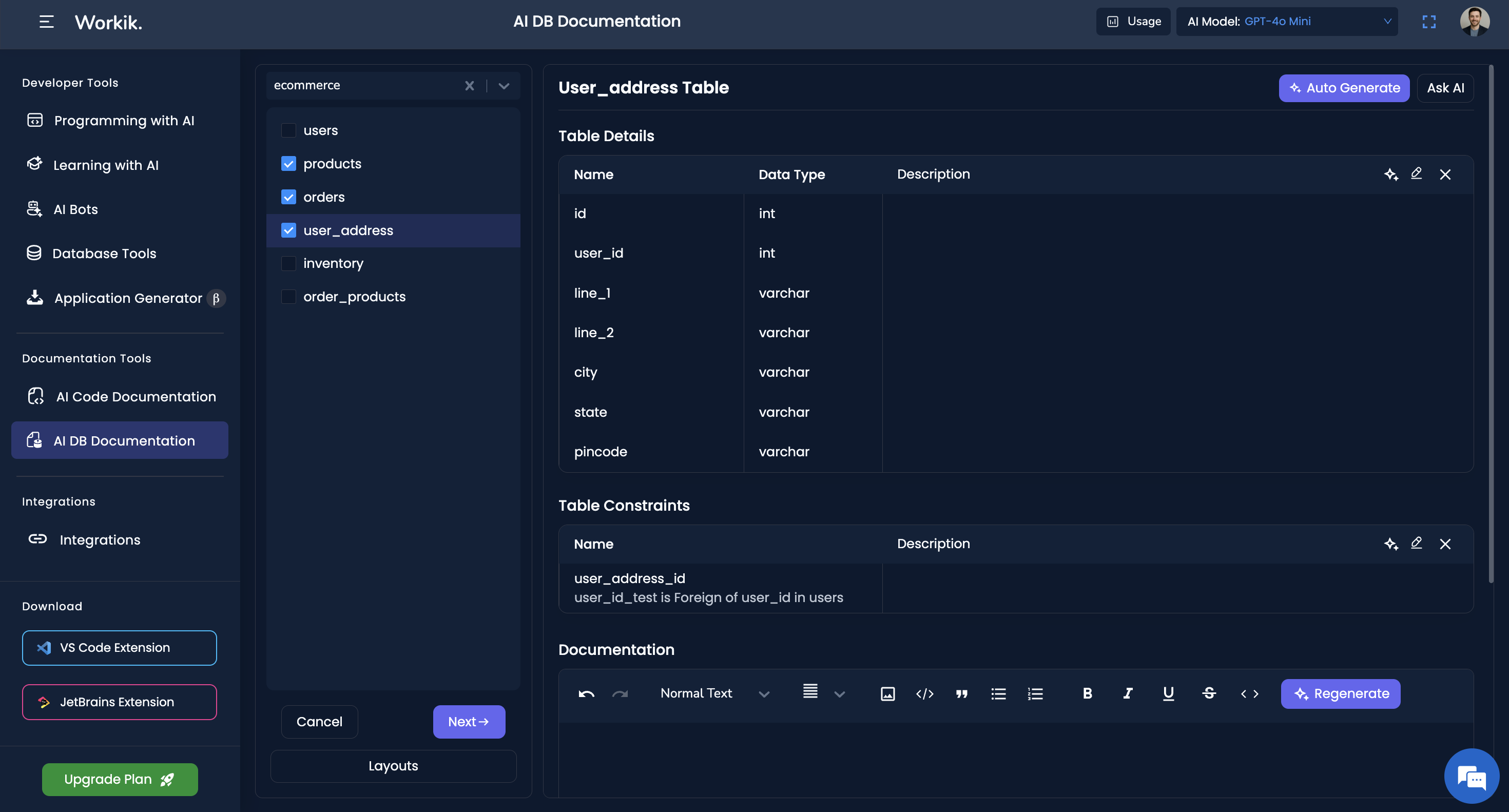
Generate docs for selected tables or entire databases in one go
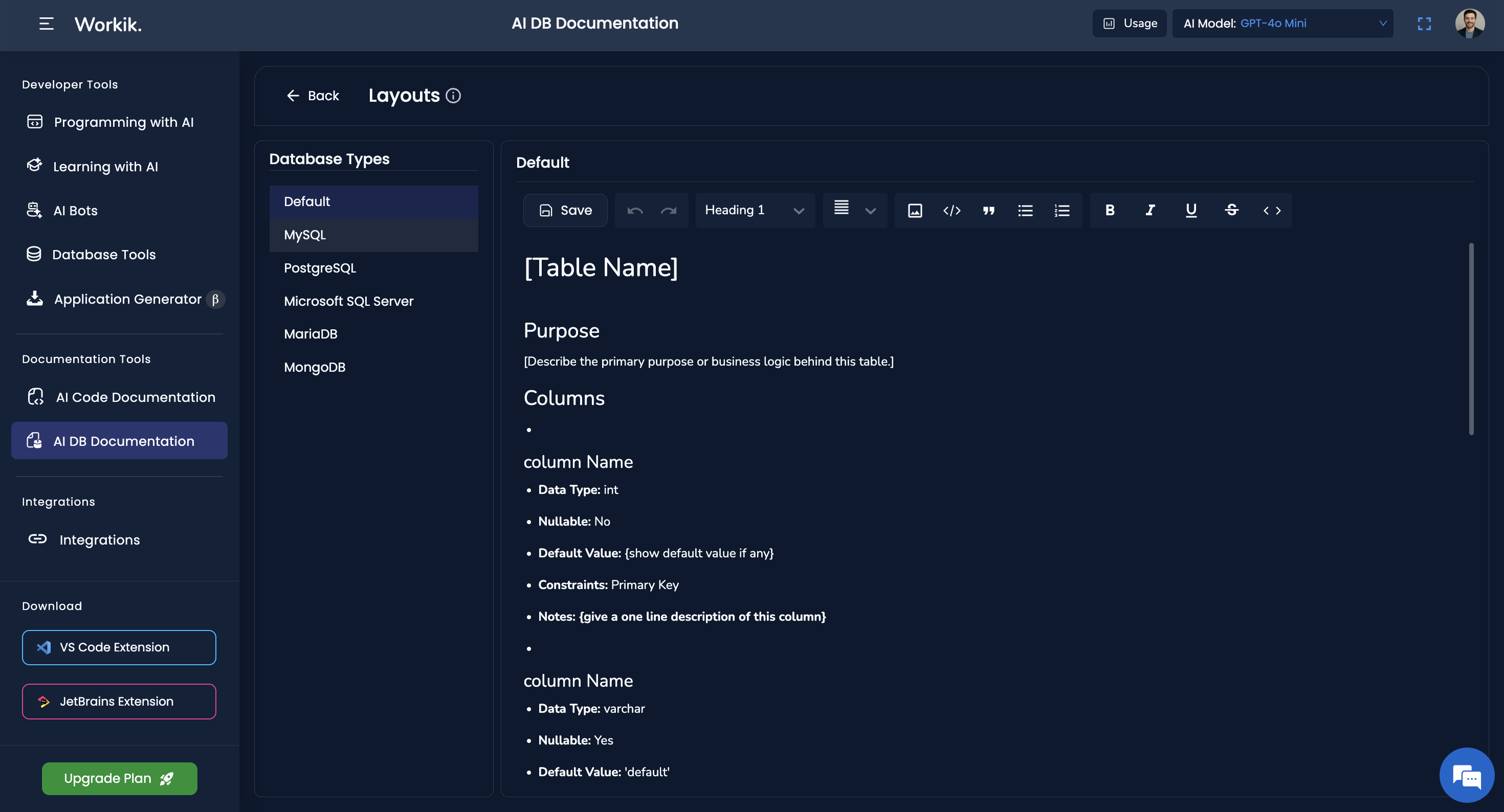
Choose and save layout formats for different database types and reuse them easily


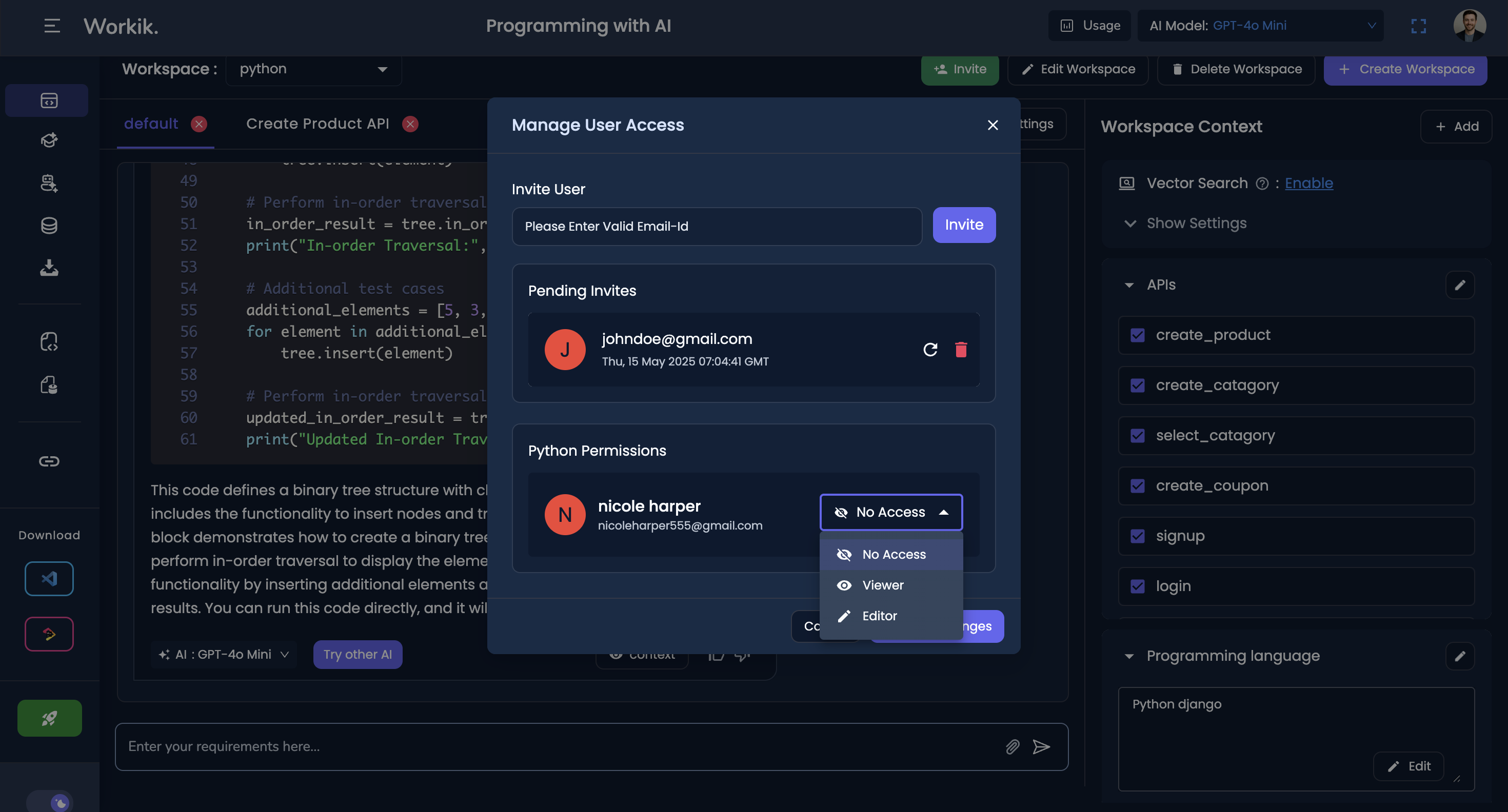
Invite and collaborate with teams on documentation.
Teams can access database documentation at any time
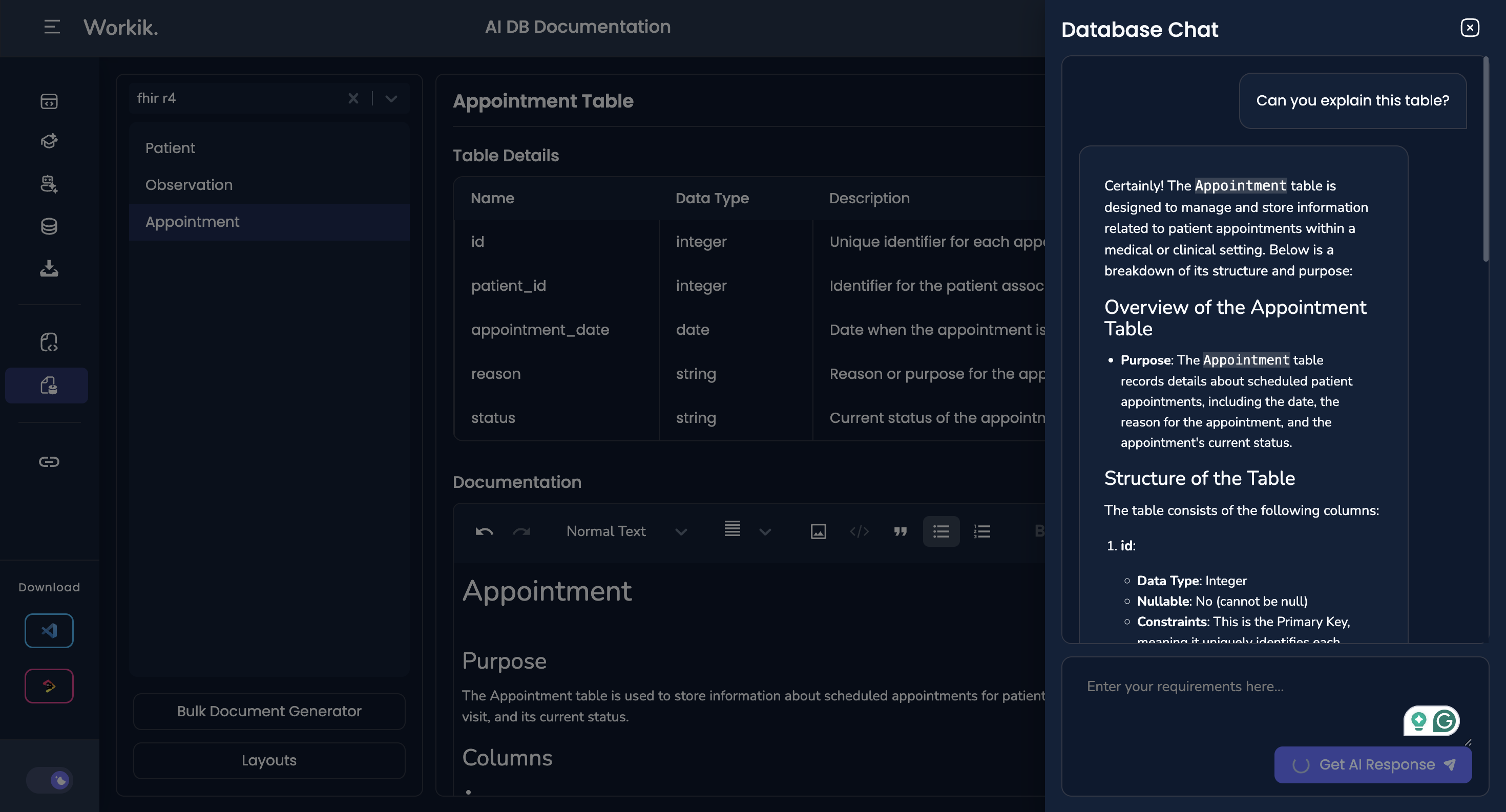
Chat with AI to understand schema relationships, constraints, or anomalies
Export or download documentation as PDF
Easily regenerate docs with AI when your schema changes — no need to start over
Add & manage documentation for multiple databases easily
GALLERY

Is uploading data necessary for documenting databases on Workik?


No, uploading data to Workik is not necessary for database documentation. Workik primarily requires your database schema or structure to generate documentation. By focusing on the schema, Workik ensures your data's privacy and security while providing a comprehensive overview of your database architecture.
How do I update documentation when the schema changes?
You can re-upload your updated schema or re-sync a connected database. Workik will re-index it and regenerate documentation instantly using the latest structure.
Can I use AI to explain relationships or constraints in my schema?
Absolutely. You can ask AI to describe relationships between tables, identify foreign key references, or help interpret complex structures.
How does Workik handle large or complex database schemas?
Workik can document large schemas by breaking them into manageable sections. You can choose to document everything at once or generate docs for selected tables to keep things clear and focused. The AI works best when schemas are uploaded in a clean, structured format.
Can Workik differentiate and document the nuances between SQL and NoSQL databases effectively?
Yes, Workik is equipped with AI that understands the structural and functional differences between SQL and NoSQL databases. It tailors the documentation process to highlight these nuances, ensuring clarity and comprehensiveness regardless of the database type.
How does Workik handle documenting legacy databases that may not have a current schema?
Workik’s AI can infer structure from legacy databases even when a current schema is missing. It analyzes available metadata and relationships to generate clear documentation, helping teams modernize and understand outdated systems.
Can't find answer you are looking for?
Request question

Request question
Please fill in the form below to submit your question.
Generate Code For Free


